
This guide uses affiliate links and may earn commission from qualifying purchases.
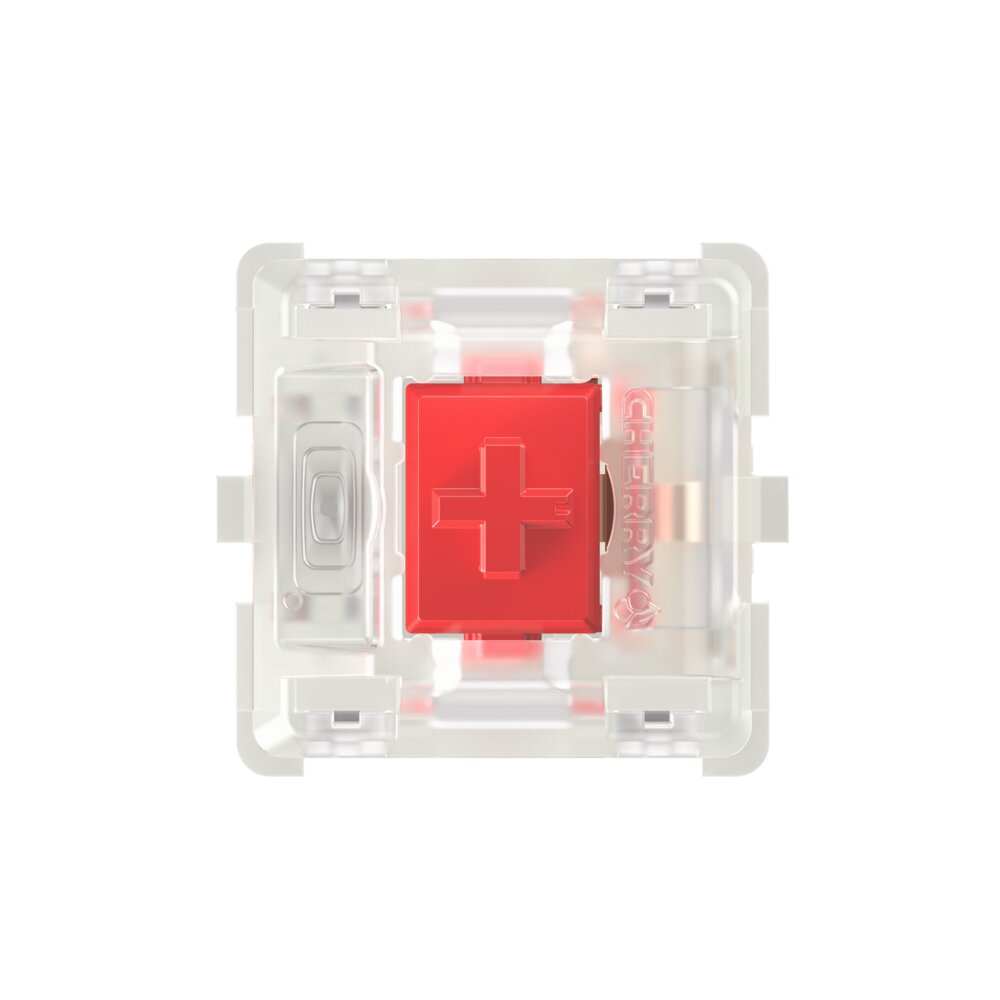
Linear and tactile are the two main mechanical switch types, and the choice between them is the first decision most keyboard builders face. Neither is better; they suit different preferences and use cases.
What they are
| Linear | Smooth stroke from top to bottom with no bump or click. You press, the switch moves, it bottoms out. |
|---|---|
| Tactile | A bump in the middle of the stroke tells you the switch has activated. You feel the registration point without needing to bottom out. |
Linear explained
Linear switches have no feedback other than friction and bottom-out. That makes them predictable for rapid presses in gaming and comfortable for typists who bottom out hard and prefer a consistent feel. Cherry MX Red, Gateron Yellow, and Gateron Oil King are all linears.
Tactile explained
Tactile switches add a bump that lets you feel when the switch activates. That can help lighter typists avoid bottoming out and can reduce finger fatigue over long sessions. Cherry MX Brown, Gateron Baby Kangaroo, and Gateron Quinn are tactile switches.
Sound
Tactile switches are not inherently quieter or louder than linears. The bump itself can produce extra noise if you release the key slowly, but the board, plate, and keycaps matter more than the switch type for overall sound.
Which to choose
- Choose linear for gaming, rapid key presses, or if you like a clean, uninterrupted stroke.
- Choose tactile for typing-heavy work, if you prefer feedback at the actuation point, or if you tend to bottom out hard and want to train a lighter touch.